


I work in Claude most of the day.
My HubSpot pipeline? That lived in another browser tab, and I kept forgetting to check it. And when I did check it, I’d see deals that needed attention, think “I should follow up on that,” and then... not capture it anywhere actionable.
The result: reactive selling. I’d notice a deal was stale only after it went cold. I’d realize a close date had passed only when the opportunity was already a zombie.
I needed a better approach. Something more proactive.
Here’s what changed: HubSpot’s Claude connector can now write to your CRM. That means Claude can create contacts, update deal stages, log notes, and create tasks—directly from the chat window.
But reading about new features isn’t the same as building with them. So I built a Claude skill that turns this capability into something actually useful: a deals analyst that scans my pipeline, categorizes every open deal by health status, and creates prioritized follow-up tasks in my Notion database.
No more context-switching. No more forgetting to check the pipeline. No more disconnect between “deals that need attention” and “what I’m actually working on today.”
This is what builders do. We don’t just use new features—we wire them into systems that work for us.
What the New Connector Enables
The HubSpot connector for Claude has had read access for a while. You could ask Claude to pull your deals, summarize contacts, or analyze your pipeline.
Now it can take action.
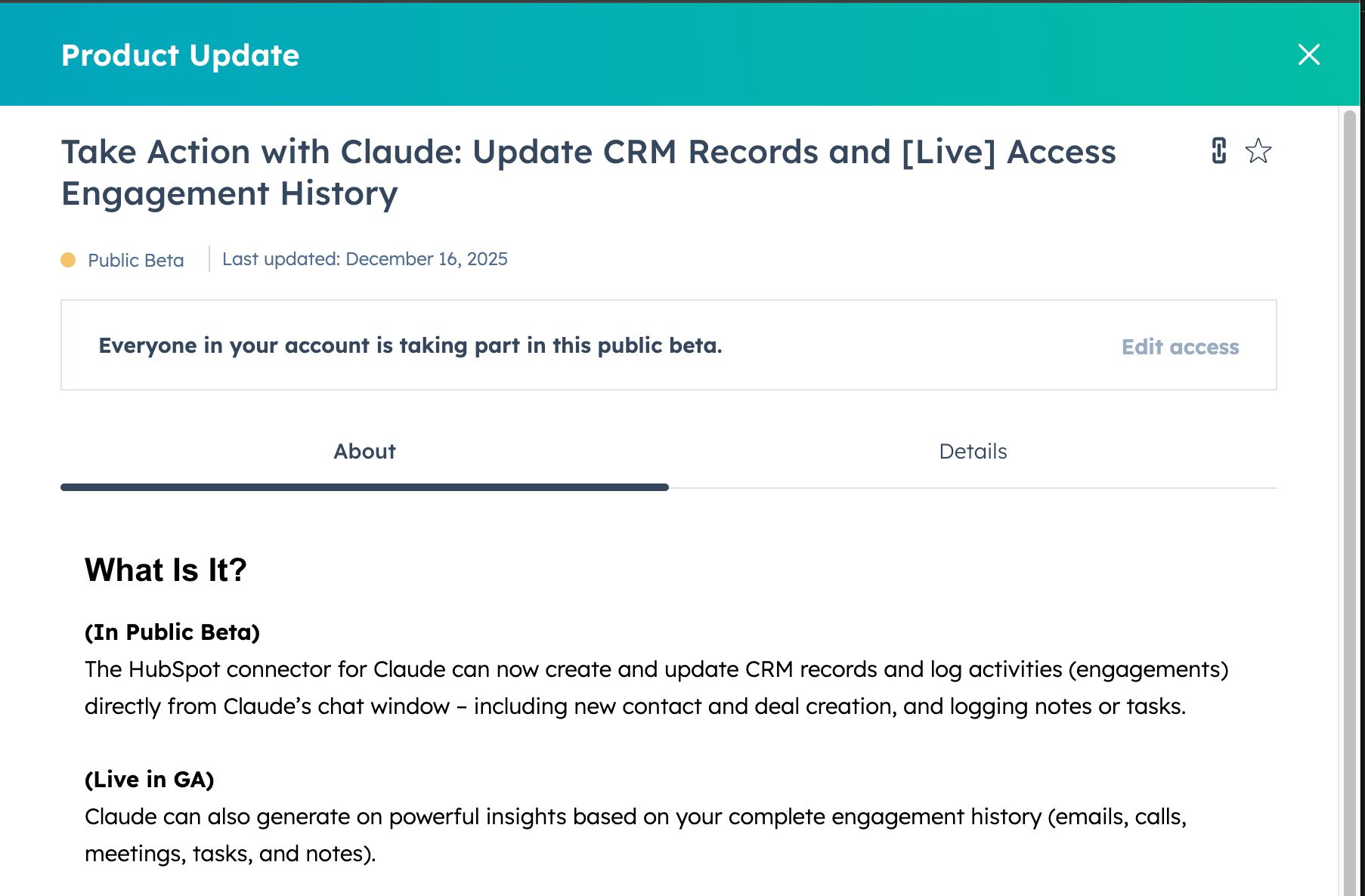
See details in the HubSpot product update
In public beta (as of December 2025):
Create and update CRM records (contacts, deals, companies)
Log activities (notes, tasks, calls, meetings)
Bulk operations up to 10 records per request
Already live in GA:
Access your complete engagement history (emails, calls, meetings, tasks, notes)
Generate insights from actual customer conversations, not just CRM snapshots
This is a meaningful upgrade. Claude goes from “tell me about my pipeline” to “update that deal stage and log a follow-up task.”
But raw capability isn’t the same as useful workflow. Here’s how I made it useful.
The System: A Deals Analyst in Claude
I built a Claude skill called “Analyzing HubSpot Deals” that does four things:
Fetches all open deals from HubSpot (excluding closed-won and closed-lost)
Categorizes each deal by health status using clear rules
Presents the analysis with recommended actions
Creates follow-up tasks in my Notion database with smart priority and deadline logic
The magic is in the categorization. Instead of a flat list of deals, I get deals organized by urgency:
🧟 Zombie Deals (Critical Priority) Close date is in the past, but the deal is still open. These are the ones you’ve been avoiding. Decision time: update the close date or mark it lost.
🚨 Closing Soon (High Priority) Close date within 7 days. These need your attention this week.
📭 Stale Deals (High Priority) No activity in 14+ days, but close date is still in the future. The quiet ones that slip away. Re-engage or reassess.
⏰ Upcoming (Medium Priority) Close date within 8-30 days. Healthy pipeline that needs a touchpoint scheduled.
When I run this skill, I get a clear table view of my entire pipeline organized by “what needs attention now” versus “what’s on track.”
Then it asks: “Would you like me to create tasks for these follow-ups?”
One click, and my Notion task database has prioritized action items with smart deadlines—zombie deals get “today,” closing-soon deals get “close date minus one day,” stale deals get “today plus two days.”
My pipeline now feeds my daily task list automatically.
This takes me about 10 minutes on Monday morning. Before building this system, I’d spend 45 minutes context-switching between HubSpot and my task manager, manually copying deal names and deciding what to prioritize. Now I review, approve, and move on.
The Identity Shift
Here’s the part that matters beyond the tactical setup.
I thought of CRM hygiene as something I should do—a chore I’d get to when I had time. The result was predictable: I’d batch it, forget it, or do it reactively when something slipped.
Building this skill forced a different question: What if I designed a system that maintained pipeline hygiene so I could focus on relationships and feel more planned?
That’s a different identity. Not “I am my own CRM admin” but “I architect systems that surface what matters.”
This is what I mean by builder. A builder is someone who turns ideas into working outcomes using AI tools—without needing to be a traditional software engineer. You don’t need to code to build this skill. You need to think in systems.
The shift from tool user to workflow orchestrator is the real unlock. The HubSpot connector is just the enabler.
What's below: The complete skill code, step-by-step setup instructions (including the permissions configuration I recommend), how to customize it for your Notion database, and a real example of what the output looks like.
